Added
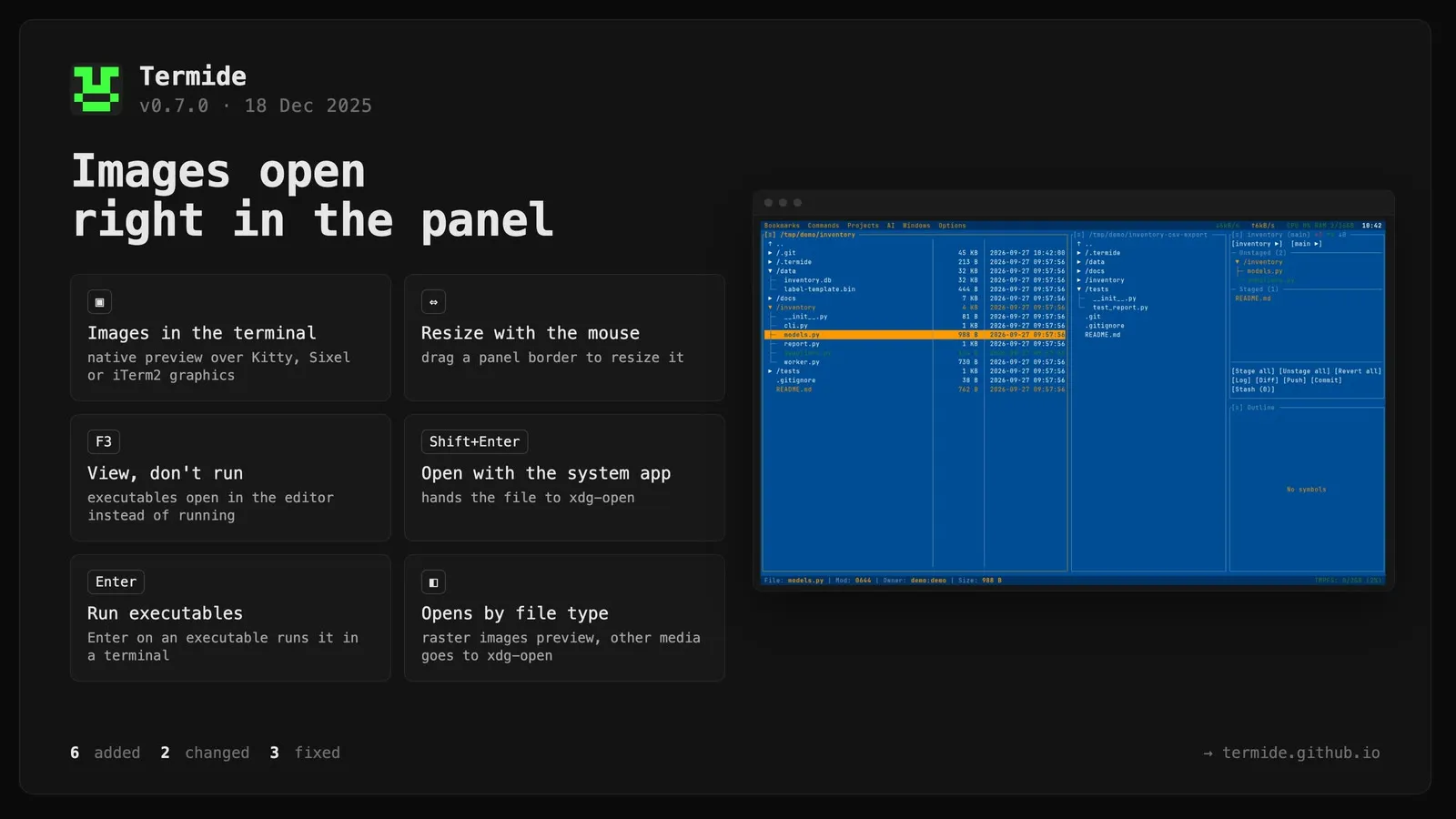
- ImagePanel: Native image preview using terminal graphics protocols (Kitty, Sixel, iTerm2)
- Panel resize: Drag-and-drop panel border resizing with mouse
- F3 key: View file without executing (executables open in editor)
- Shift+Enter: Force open file with system application (xdg-open)
- Execute on Enter: Run executable files directly in terminal
- Smart file type detection: raster images → ImagePanel, vector/video/binary → xdg-open
Fixed
- Sessions list: cursor now positions on current session
- Editor: off-by-one error in smart word wrap
- SaveAs dialog: now uses file manager’s working directory
Changed
- Split
min_panel_width config into separate parameters for finer control
- Binary file detection extracted to shared utility (
core::util::is_binary_file)
Documentation
- Updated file manager docs with new keyboard shortcuts (F3, Shift+Enter)
- Updated help screens for all 9 languages
![]()