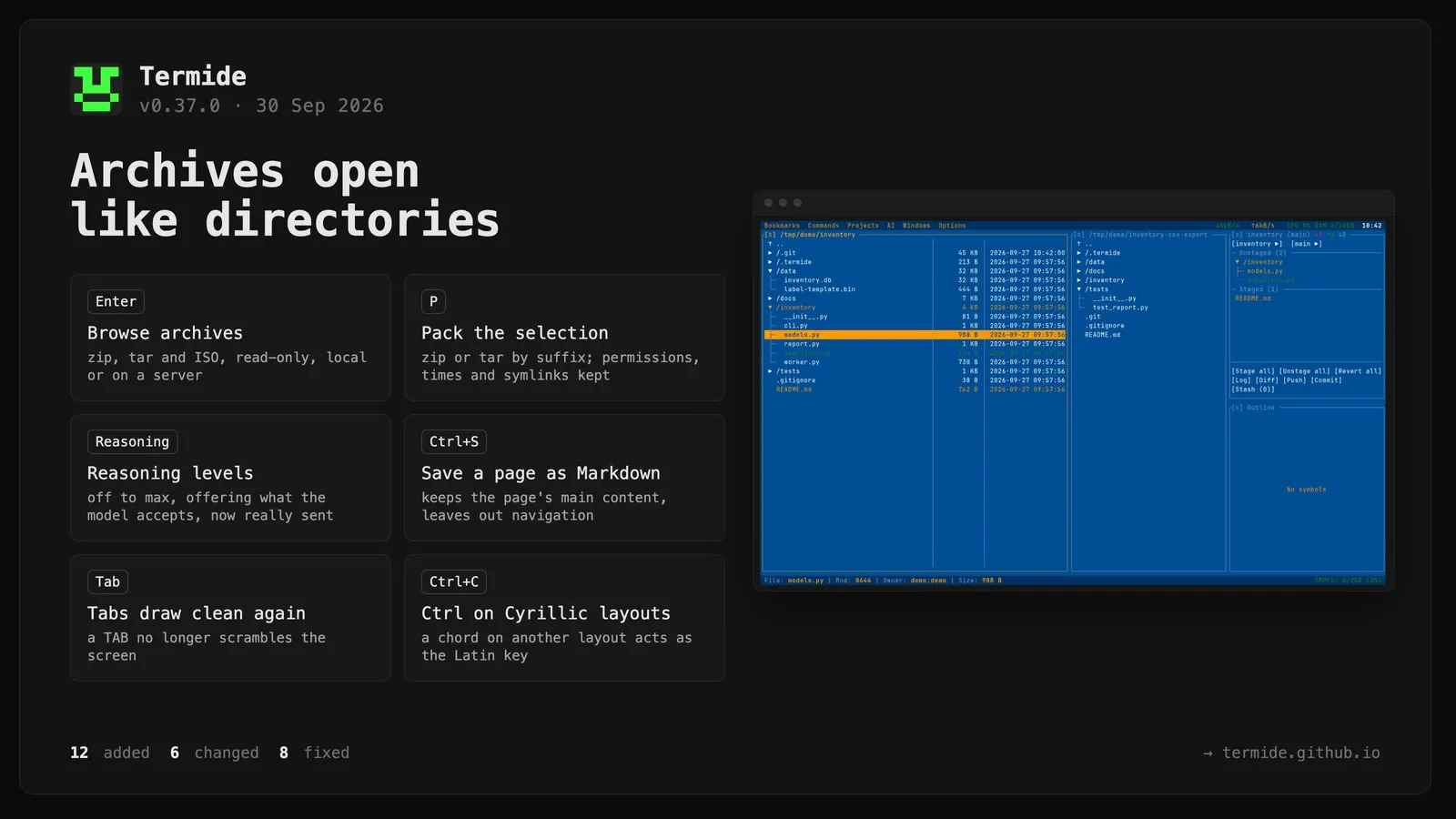
Archives open in the file manager like directories.Enter on a zip, a tar (plain, .gz, .bz2, .xz, .zst) or an ISO 9660 image lists it read-only, and .. or Backspace at its root goes back to the directory holding it. Files can be viewed, copied and extracted out of it with progress, pause and cancel; commands that would change the archive are refused up front. Archives open wherever they lie: on the local disk, on a connected server, or inside another archive. An encrypted zip (ZipCrypto or AES) asks for its password, and asks again after a wrong one. Zip names written by Russian Windows (CP866) come out as Cyrillic instead of box drawing, and an ISO image shows its Rock Ridge or Joliet names when it has them. Entry names are treated as untrusted: nothing is ever extracted outside the target directory. See doc/en/vfs.md.
Pack the selection into an archive with P. The file manager asks where to write it, <name>.zip next to the selection by default, and the suffix picks the format: zip or tar (plain, .gz, .bz2, .xz, .zst). Permissions, modification times and symlinks are kept, the archive only appears once it is complete, an existing file is never overwritten, and the run shows in the Operations panel. The key is file_manager.keybindings.pack.
A reasoning level per model. The Reasoning chip now opens a level picker (off, minimal, low, medium, high, xhigh, max) offering what the model accepts, and is hidden when the model cannot be asked. Before, the on/off switch never reached the server, so no model was actually asked to reason. Anthropic models get adaptive thinking or a thinking budget; OpenAI-compatible connections choose how to ask with reasoning_param (reasoning_effort, the chat template’s enable_thinking, or nothing). [ai] reasoning replaces prefer_reasoning, which is still read as high or off.
The prefill shows live. Until the first token arrives the footer shows how long the model has been reading the prompt and roughly how big it is. With prefill_progress on a connection (also in the settings modal), a llama.cpp server reports its progress and the line shows a bar, the tokens read out of the total, and the speed.
Recent sessions on the agent’s welcome banner. A fresh session’s banner lists the directory’s other sessions, newest first. A click or Enter opens one, Tab moves into the list, and Delete/F8 deletes the session under the cursor. Sessions open in another panel are left out. The banner now sits at the top of the panel, leaving the room below to the list.
Save a web page as Markdown.Ctrl+S, or Save page as Markdown… in the HTML viewer’s [≡] menu, saves the page with its headings, lists, code, tables and links, relative links made absolute. Like a reader mode it keeps the page’s main content and leaves out navigation, sidebars and footers. Requested in #56.
Web pages show that they are loading.Ctrl+G with a URL opens the viewer at once, with a spinner and the URL in its title, and fills it when the page arrives, or shows the error. A followed link keeps the page on screen and spins the title until the next one arrives. Several pages can load at once, and closing a viewer drops its request.
Ctrl+A in the HTML and Markdown viewers selects the whole document, so Ctrl+C copies the page.
Conditional sections in prompt templates.{{if name}} … {{else}} … {{/if}} drops a section when its value is empty. The shipped system prompt uses it to leave out empty sections, such as a skills section in a session without skills.
An agent’s tools list can leave out task, so that agent cannot delegate.
Checklist groups toggle from their heading. In the Tools picker, the checkbox on a group’s heading switches the whole group, and shows [-] while the group is partly on.
The AI menu lists agents, skills and prompts with their descriptions.
Changed
“Allow always” and “for the session” are offered only where the rule can vouch for the calls it will allow. One click on a permission card could grant rm *, git push * or env *, which also vouches for whatever program env runs. A lasting grant now needs a single command whose program is known, and neither lasting grant is offered for a command that destroys what it touches or runs a program its name does not tell. Denying for the session is still offered.
The shipped system prompt is shorter. It no longer lists the tools, which the model already receives with their descriptions. It no longer carries a date, which went stale in a long session and was in UTC; instead it tells the model to check the date, a file or the history with a tool rather than guess, and to say when it did not check.
An empty SOUL.md means no system prompt. It used to fall back to the shipped prompt.
Modals close on a click outside them, as they do on Esc: selection lists, checklists, input prompts, confirmations and info windows. The pickers the agent panel opens could only be left with Esc.
The file manager no longer stalls in repositories with huge ignored directories. Git status used to walk every ignored directory, which took up to 19 seconds per directory load with a large target/. A directory that no ignore pattern matches but that holds only ignored files now shows its files dimmed, not the directory itself.
File manager statuses and item counts are translated in all fifteen languages.
Fixed
Indented files scrambled the screen. Since 0.35.0 a TAB in the editor was written to the terminal as is, so the rest of the row landed at the next tab stop and the screen slowly filled with fragments of earlier frames, on every terminal. Control characters now render as blanks in the editor, the status bar and other text cells. Reported in #55.
Ctrl shortcuts on a Cyrillic layout.Ctrl+С did not interrupt a program in the terminal; a Ctrl chord on a letter of another layout now goes out as the Latin key under the same finger. Text fields (select all, copy, cut, paste, undo), the find bar’s Ctrl+R, and the letter shortcuts of modals and panels (y/n, j/k, q, …) now work on any layout too.
Copying from a server could copy a local file instead. A batch copy or move of a remote path that also existed locally (/etc on a server) read it from the local disk. Sources now come from the panel they were selected in.
A $(…) in a command made every part of the line ask, and answering the card could write rules such as cd * or ls * to the configuration, which silence the built-in check of those commands’ dangerous flags. The substitution now counts only for the part that carries it.
Multi-line prompts were shown as one line in the transcript.
Long options and answers of the agent’s questions were cut off; they now wrap.
The Save As field could not be selected with the mouse, and a click on a long path landed on the wrong character. A click now places the cursor, a drag selects, and a paste goes into the field.
Going up in a remote panel left the cursor on the old row; it now lands on the directory just left, as in a local panel.