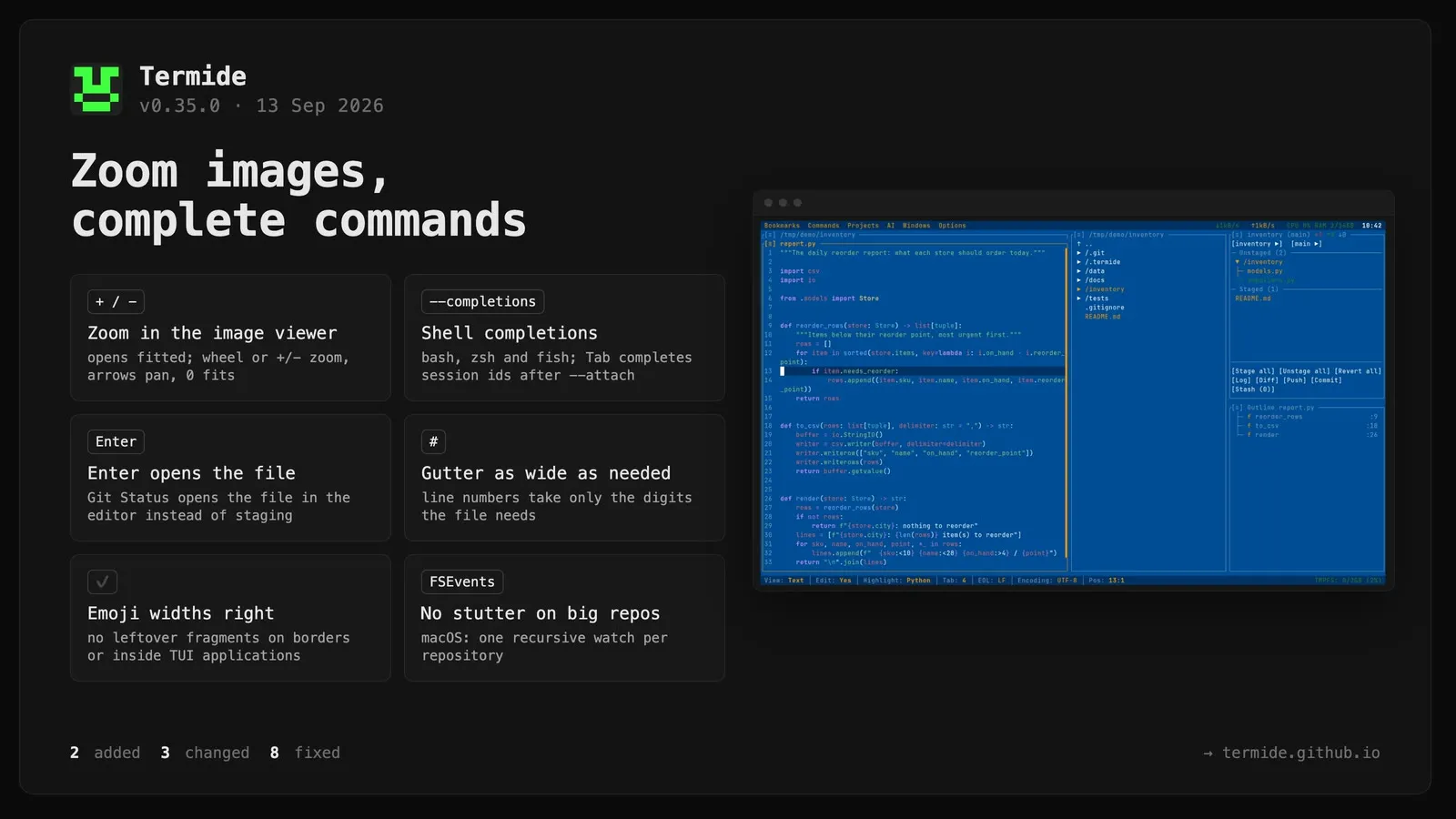
Zoom in the image viewer. An image used to be drawn at its own size in the top-left corner of the panel, shrunk only when it did not fit, so a small icon sat in a corner of an otherwise empty panel and a photo could not be inspected closer than the panel allowed. It now opens fitted to the panel — as large as the width or height permits, aspect ratio kept, centred — and + / -, the mouse wheel over the panel, or the [−][+] buttons in the status bar zoom around the centre of the visible part; the arrow keys pan a magnified image and 0 (or the Fit button) returns to the fitted view. The status bar shows the pixel size and the zoom as a percentage of the source pixels. Only the visible window is handed to the terminal’s graphics protocol, so zooming into a large photo costs a crop rather than a full re-encode, and magnified pixels are drawn crisp instead of blurred.
Shell completions.termide --install-completions writes the script for the shell in $SHELL where that shell looks for it: bash and fish then need nothing else, and for zsh the one fpath line to add to ~/.zshrc is printed rather than written, since it has to land before compinit and rc files are the user’s. termide --completions bash|zsh|fish prints the script for placing by hand. Loaded, it completes the options, the values --log-level and --completions take, and — the part that matters on a server with several detached sessions — the session ids after --attach, read from --list-sessions at the moment Tab is pressed. The scripts are hand-written and live in completions/, so packagers can install them without running the binary; the release tarballs carry them, and the .deb, .rpm and AUR packages install them system-wide. Prompted by the bash script shared in discussion #45.
Changed
The line-number gutter is only as wide as the last line number. It reserved four digit cells for every file, so a three-line file carried three blank columns before each number. The gutter now takes what the buffer’s line count needs — one digit for a short file, five for 10k+ lines as before — and hands the rest to the text. The content shifts one column when a buffer grows past 9, 99 or 999 lines; that trade was made in favour of the width, which a narrow terminal feels on every line.
Enter and double-click in Git Status open the file. They used to stage or unstage it, so the gesture that opens a file everywhere else in termide silently changed the index here. Both now open the file in the editor; staging keeps its own keys, the header buttons and the popup menu. The help panel’s Enter entry says so.
The Operations panel is as tall as its cards. Opening it used to take an equal share of the column — half of it next to a single editor, the whole column under the fullscreen preset — for what is usually one progress card. It now asks for exactly the rows its cards need, grows and shrinks as operations start and finish, never claims more than half of the column (the cards scroll beyond that), and keeps that height through the fullscreen preset. Resizing it by hand switches it to an ordinary fixed height until it is closed. Panels declare this through a new height_mode in the Panel contract; every other panel keeps sharing the column as before.
Fixed
Directory rows in Git Status were painted as created when most of their changes were new files. The folder colour was the most common status among its changed files, so an existing directory with one modified file and two new ones turned green as if it had just been created, and one with a deletion and two additions did the same. A folder is now shown as created only when every change in it is an addition, and as deleted only when every change is a deletion; any mixture means the folder already existed and it is shown as modified, as the file manager’s nested status does.
Directory rows in Git Status were not coloured by their contents. The per-directory aggregate that gives a folder the colour of its changed files was computed only when a folder was folded or unfolded; a refresh rebuilt the tree without it, so after every update the directories sat in the plain text colour until one was toggled. The rebuild now derives it along with the visible rows, as the file manager’s nested status has done all along.
Unfocused git panels showed stale content. Watcher and git updates went in full only to the focused panel of each column; every other panel was “marked stale” and caught up when it next took focus — a rule from the accordion layout, where the focused panel was the only one on screen. With free heights the rest of the column is visible too, so a Git Status panel next to an editor updated its title counts (which the stale path refreshes) but kept the old file tree until clicked. Updates now go to every panel that shows content; only a panel collapsed to its title bar — by the fullscreen preset or a manual shrink — is marked stale, and it catches up as soon as it grows again, whether or not it takes focus. Git Log and Git Diff, which used to reload on every focus gain, now reload only when an update actually arrived while they were collapsed; live updates while visible are unchanged.
Windows menu entries opened their neighbour. The shortcut annotation in 0.34.0 dropped the separator row under Open… from the list, while the row indices the dispatcher uses still counted it, so from Terminal down every entry ran the action of the one above and the shell picker never appeared. The row is back, and a test now ties the list to the indices.
Leftover fragments on panel borders and inside TUI applications. The workspace’s unicode-width fork had dropped the emoji sequence rules, so ✔️, ⚠️, ❤️, skin-tone and ZWJ emoji counted as one column while every terminal draws them in two. ratatui’s frame diff then shifted the rest of the row by a column and never repainted it, leaving pieces of a previous frame — a border line through pi’s editor, a stray cell on a panel border — until something else touched those cells. The fork now carries the upstream tables and state machine again, keeping only the Bengali spacing-mark override it was created for. Variation selectors are the one place terminals disagree — Ghostty, WezTerm and iTerm2 make ⏱️ two columns while wcwidth terminals such as alacritty and foot leave it at one — so termide asks the host terminal at startup (the attach client asks for a detached session) and follows its answer; the Journal records it, and TERMIDE_VS16_WIDE=0|1 overrides it. ratatui’s frame diff has its own workaround for such emoji — it writes the cell after them as an explicit blank, assuming the terminal kept them narrow — which on a terminal that widens puts that blank one column too far and shifts the rest of the row (twoocolumnsswide); termide now flags those cells as skipped before the diff runs.
The terminal grid understands character width. Wide characters (CJK, emoji) occupy two cells, combining accents and variation selectors attach to the character before them, and skin-tone and ZWJ sequences stay one cluster. Before, every code point took exactly one cell: a padded full-width line with an accent wrapped onto an extra row and pushed a differential renderer such as pi’s out of sync, so old lines were erased in the wrong place, and the cursor sat a few columns off after any emoji. Erasing or overwriting half of a wide character now removes the whole character, as terminals do.
Minutes of stutter after opening a session with a large repository on macOS. The watcher registered one non-recursive watch per directory, and notify’s FSEvents backend rebuilds the whole event stream — thread teardown, thread spawn, FSEventStreamCreate over every path so far — on each of those calls, all on the main thread. A repo with a tracked node_modules (about 2,500 directories) kept the UI frozen for most of a minute or more. FSEvents is recursive by nature, so a repository is now a single recursive watch on its root, and events from .gitignored subtrees are dropped when they arrive instead of by never subscribing to them. Linux keeps the per-directory inotify walk, which is cheap there.
\[ and \] are no longer stripped from terminal output. They were treated as bash prompt markers, but readline consumes those before anything reaches the terminal; program output such as regexes, LaTeX and escaped markdown lost the characters, and a backslash at the end of a line was held back or dropped.