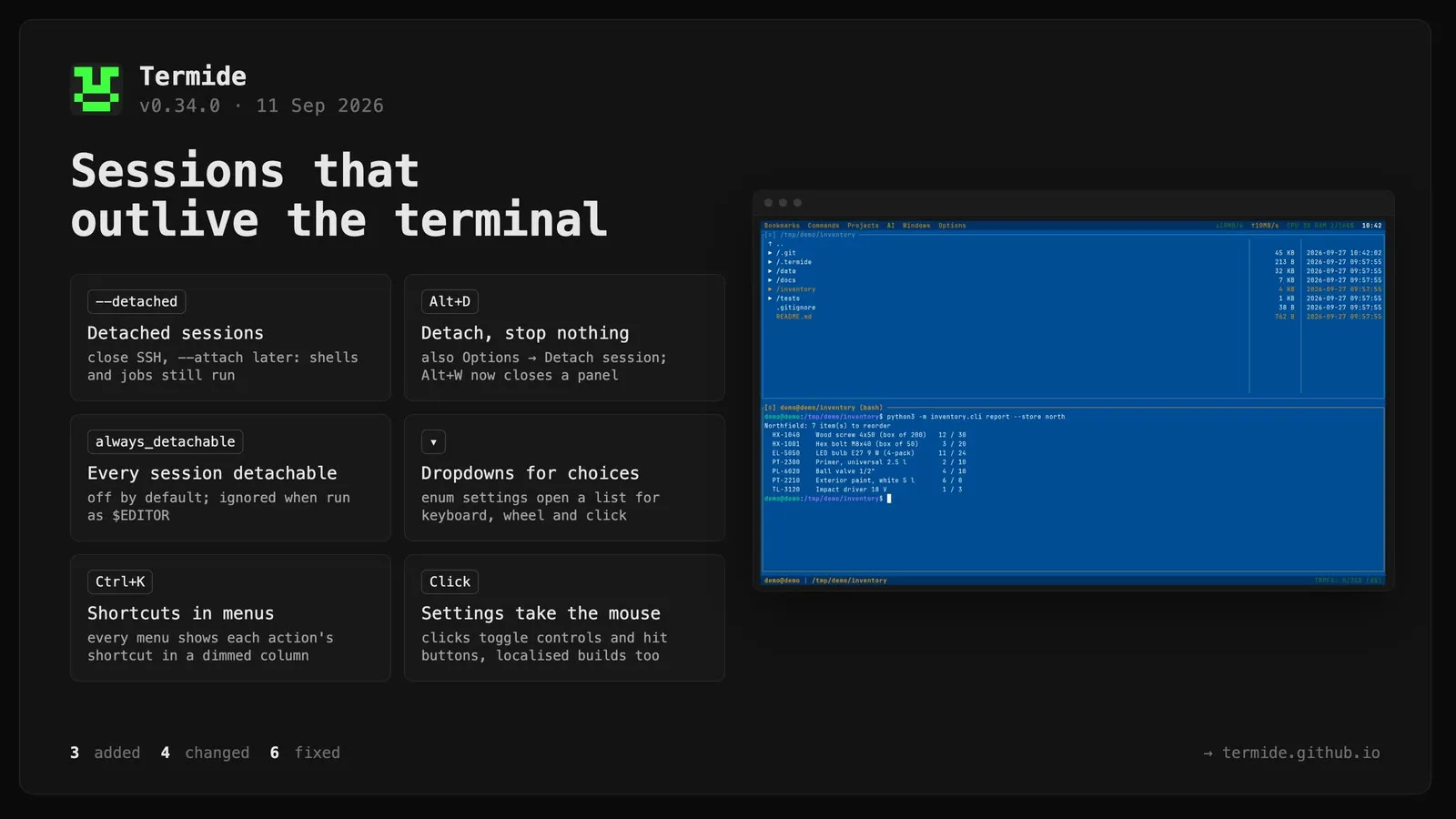
Termide 0.34.0: Sessions that outlive the terminal
Added
Detached sessions.termide --detached starts a session that outlives the terminal it was launched from: close the SSH connection, come back hours later, termide --attach, and the editors, shells, LSP servers and long-running jobs are where you left them. --list-sessions shows what is running, and Alt+D — or Options → Detach session — lets go of the client without stopping anything. This is what tmux and screen give, without a second multiplexer between you and termide: no prefix key competing with termide’s own bindings, and no second layer to configure for colours or mouse reporting. Unix only; Windows has no fork/setsid and its ConPTY model needs a different host.
general.always_detachable makes every session detachable without having to remember --detached at launch. Off by default, because it changes what closing a terminal means: the session survives it, and so do its language servers and shells. Ignored for $EDITOR-style launches — git commit waits for the editor to exit, and a detach would tell it the edit finished when it had not.
Enum settings open a dropdown instead of only cycling through variants. Enter and Left/Right stepped to the next value with no way to see what else was on offer or to reach a distant entry — workable for three icon modes, not for twenty-five themes. The list takes keyboard, wheel and click selection.
Changed
Alt+D now detaches and Alt+W closes a panel. Both letters were held by the WASD navigation alternatives (Alt+W/S/A/D mirroring the arrows), which are no longer bound by default; the arrows keep doing the navigation and Alt+X/F10 still close. Those alternatives also covered terminals that swallow Alt+<arrow> — Ghostty rebinds Option+Left/Right to ESC b/ESC f out of the box — and that now belongs in the terminal’s own configuration, which doc/*/keybindings.md explains. Configs still carrying the old defaults verbatim are migrated automatically; a binding you chose yourself is never rewritten, even when it names the same keys.
Menus show the shortcut of every action that has one — Windows, Sessions, Bookmarks, Options, Commands and the panel context menu — in a dimmed column on the right. The keyboard route was discoverable only through the help panel or Settings. Commands, whose hotkey used to be glued onto the label as [Ctrl+K], now use that same column.
Reset to Defaults moved to the right of the button row, next to Cancel, and the per-project buttons now read Apply to Project / Remove from Project. Reset sat between the two Apply buttons, where a miss while reaching for the project one wiped the configuration; “Create project override” named the file being written rather than what pressing it does.
The Keybindings group in Settings starts expanded. It holds nine sections, and collapsing it by default hid every binding behind a step users have no reason to expect.
Fixed
Settings did not respond to the mouse. Clicking a control only moved the cursor and left the switch alone, and on a localised build the buttons could not be clicked at all: the renderer drew [ label ] character by character while hit-testing measured it in bytes, so every button past the first sat some columns away from where clicks landed.
“Reset to Defaults” was greyed out exactly when it had the most to do, and left the Keybindings tab empty when it did run. It keyed off whether the modal had unsaved edits — the state it opens in — instead of whether the config differs from the defaults, and it installed a bare Config::default(), whose bindings are all unset.
Saving froze the entire keybinding table into config.toml. Settings you never touched were written out on the first save, because the diff ran against a baseline whose bindings were all unset. A binding frozen that way stops tracking the defaults, so a later version that adds or moves one collides with the copy instead of applying it.
Settings showed only the first key of a multi-key binding.Close panel answers to Alt+W, Alt+X and F10, but the list displayed Alt+W alone — and Delete then removed all three at once, two of them invisible. Every alternative is now listed, and Delete removes them one at a time (Shift+Delete clears the action outright), which also makes a multi-key binding editable at all: the capture dialog can only add.
The theme could not be changed from Settings on a fresh install. Cycling looked the current value up in the theme list by position, and the stock config ships theme = "default" — a fallback name rather than a theme — so it found nothing and silently did not move.
A long field label ran into its own value. The label column was fixed at 32 characters, which the longest English label already filled and a translated one overran.