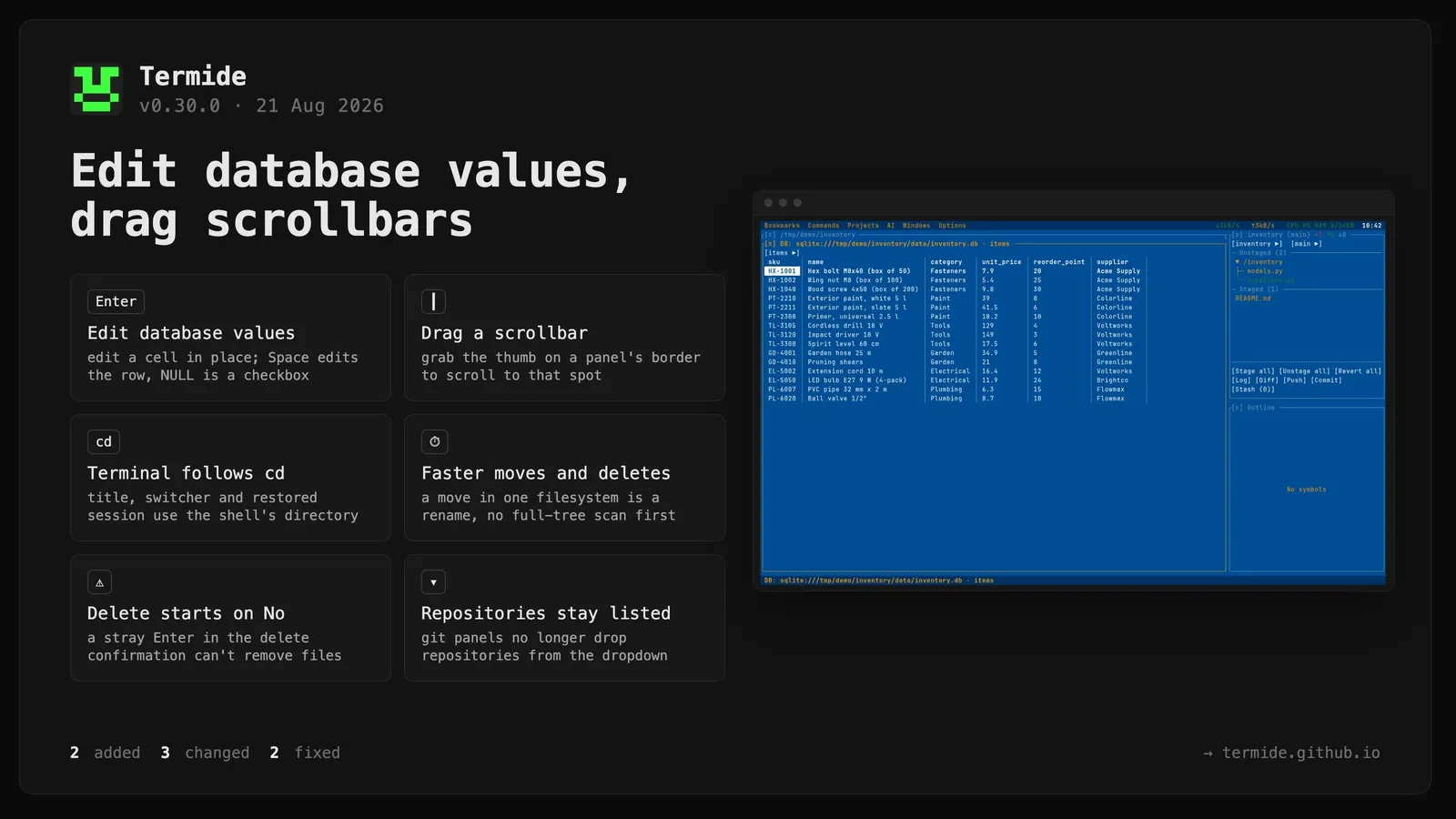
Database viewer: values can now be edited. Enter on a cell opens it in place with a caret — Enter again saves, Escape discards — and Space opens the row dialog, where every field is editable next to the copy actions it already had. A column that accepts NULL gets a NULL checkbox; clearing a text field writes an empty value, not NULL. Editing requires a table with a primary key, since without one there is no way to name exactly one row; other tables stay readable and say why. A SQLite file is still held open read-only while browsing and reopened for writing only on the first edit.
Panel scrollbars can be dragged with the mouse. Grabbing the thumb on a panel’s right border (or the bottom border, where a horizontal bar is drawn) scrolls the panel to that position, following the cursor as you drag; the bar’s track and borders without a bar keep resizing the layout as before. Works in every panel that draws a scrollbar, and dragging an unfocused panel’s thumb scrolls it in place without stealing focus.
Changed
Terminal panels now track the shell’s working directory. The title shows the directory you are actually in and follows a cd, the panel reports that directory to the directory switcher, to “open a panel here” and to the git panels’ repository search, and a restored session reopens the terminal where you left off rather than where the panel was first created.
Bulk file operations no longer walk the tree when they don’t have to. Moving inside one filesystem is a rename, so it no longer scans the whole subtree first — for a 35k-entry tree that scan cost more than the move itself. Deleting reads the file type from the directory listing instead of a separate stat per entry, and reports progress on a timer instead of once per file. The burst of filesystem events that follows a large delete is collapsed per directory, which removes a visible pause after the operation finished.
The delete confirmation now starts on “No”, so a stray Enter cannot remove files. Other confirmations keep “Yes” as the default.
Fixed
Git panels no longer lose repositories. A repository open in one panel stayed out of the dropdown whenever another panel sat in a parent directory, the repository of the session’s own directory was missing unless a panel happened to be inside it, and a repository the panel was opened for could disappear a moment after unrelated panel paths arrived.
The elapsed-time counter in the operations panel now uses the current language’s units instead of always showing h/m/s.