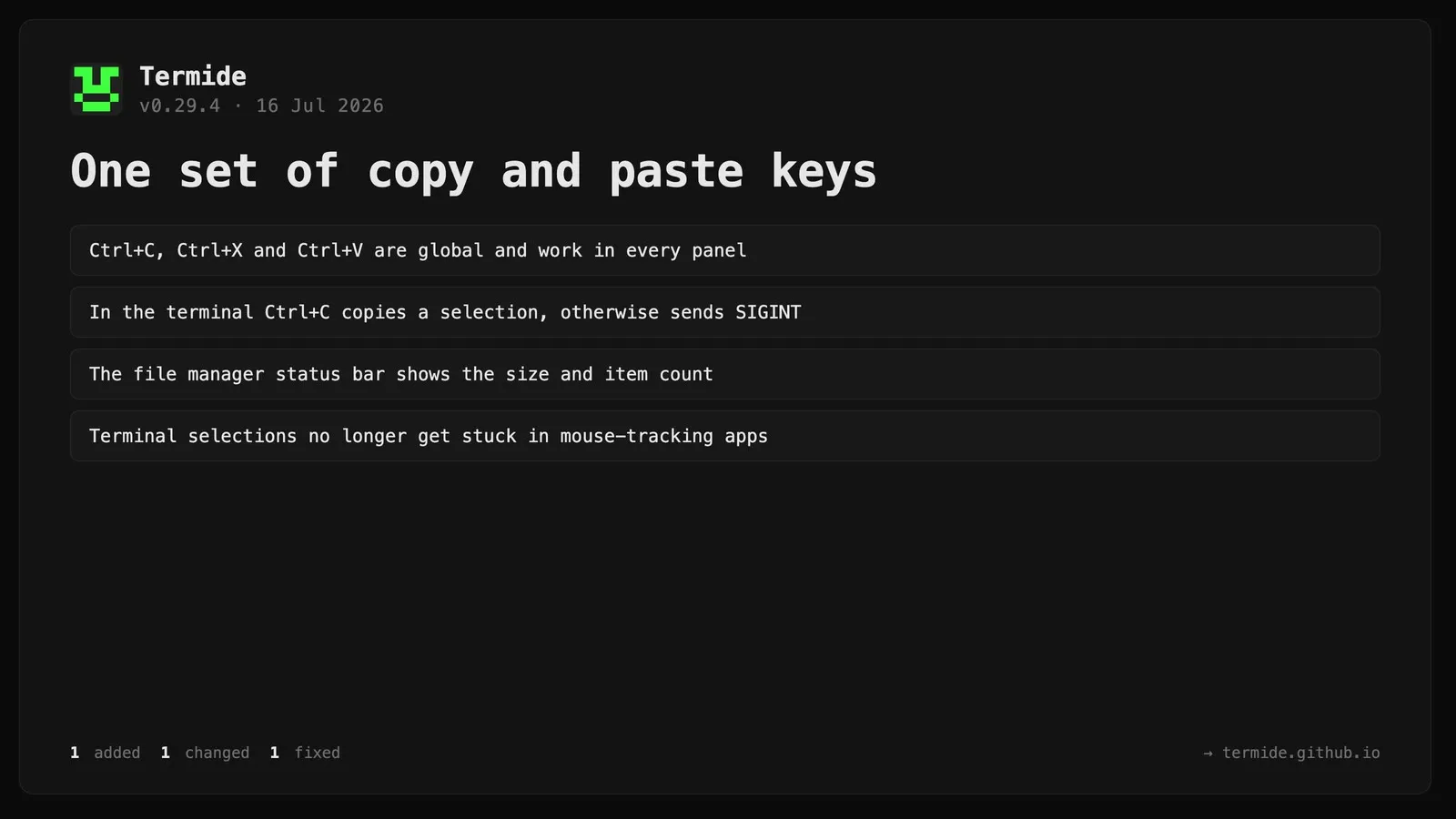
Terminal panel: a completed text selection no longer gets “stuck” after a mouse-tracking application (e.g. an agent) turns mouse reporting on. Previously any subsequent click extended the stale selection to the click point with no way to clear it. Selection now only keeps capturing the mouse while a drag is actually in progress, and clicking into a mouse-tracking application clears the leftover local highlight.
Changed
Copy / cut / paste are now a single set of global keybindings (Ctrl+C / Ctrl+X / Ctrl+V) routed to the focused panel, instead of being configured separately per panel. Each panel handles them by capability — the editor copies/cuts/pastes selected text, the file manager the selected paths, the database the current cell, the git panels the file path / commit hash. In the terminal, Ctrl+C copies the selection when there is one and otherwise sends SIGINT to the shell, and Ctrl+V pastes (previously Ctrl+Shift+C / Ctrl+Shift+V). The per-panel copy / cut / paste / clipboard_copy bindings were removed from the settings; rebind them once under Global.
Added
The file manager status bar now shows a labelled Size: field (to the right of Owner:) for the entry under the cursor — a plain byte size for files, and <size> (N items) for directories, where N is the immediate (non-recursive) child count. This matches the properties modal (Space / F12), whose Size line likewise appends the item count in parentheses (e.g. 1.2 MB (42 items)); the count appears immediately while the recursive size is still being calculated.