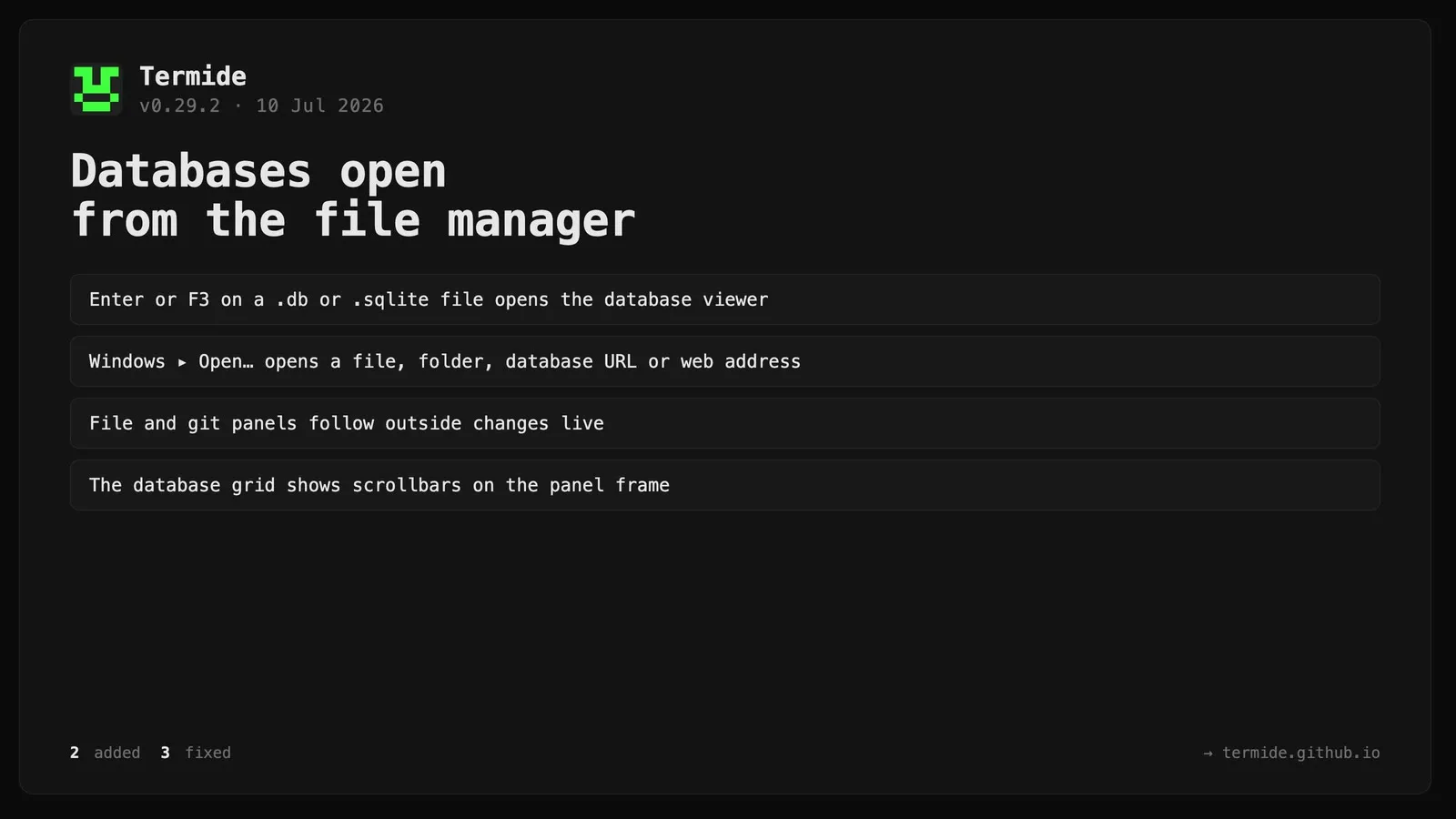
Termide 0.29.2: Databases open from the file manager
Added
Open databases without a bookmark. Pressing Enter or F3 on a .db / .sqlite / .sqlite3 / .db3 file in the file manager now opens it in the database viewer (instead of the hex viewer).
Windows ▸ Open… — a universal opener prompt (replacing the old Web entry, now the first item in the menu) that routes what you type by type: a file (by extension), a directory (file manager), a database URL (sqlite:// / postgres:// / mysql://), or an http(s):// address. Ctrl+G in any viewer shares the same behaviour.
Fixed
The database viewer’s table and database dropdowns now draw a border, matching the git panel’s branch/repository selectors (previously they rendered as an unframed list).
The database viewer’s data grid now shows scrollbars drawn on the panel frame: a vertical bar on the right border (position within the whole table, across pages) and a horizontal bar on the bottom border when the columns are wider than the panel. Previously there was no indication of how many pages remained or that columns extended off-screen.
File and git panels now track external changes live. A watcher bug meant a git repository’s per-directory watches were never actually installed, so the file manager and git panels only refreshed on focus or navigation — changes made from a terminal (or an agent) appeared to be ignored. Fixed, plus: directories created after a panel opened are now watched too; the file manager recomputes git status on watcher events instead of reusing a stale cache; the git log and git diff panels refresh from watcher events (and on focus), not only on manual reload; a directory reload coalesced away during a burst of changes is retried so the final state always lands; and watcher latency is lower (file debounce 1000→300 ms, git debounce is now a fixed 250 ms window instead of resetting on every change).