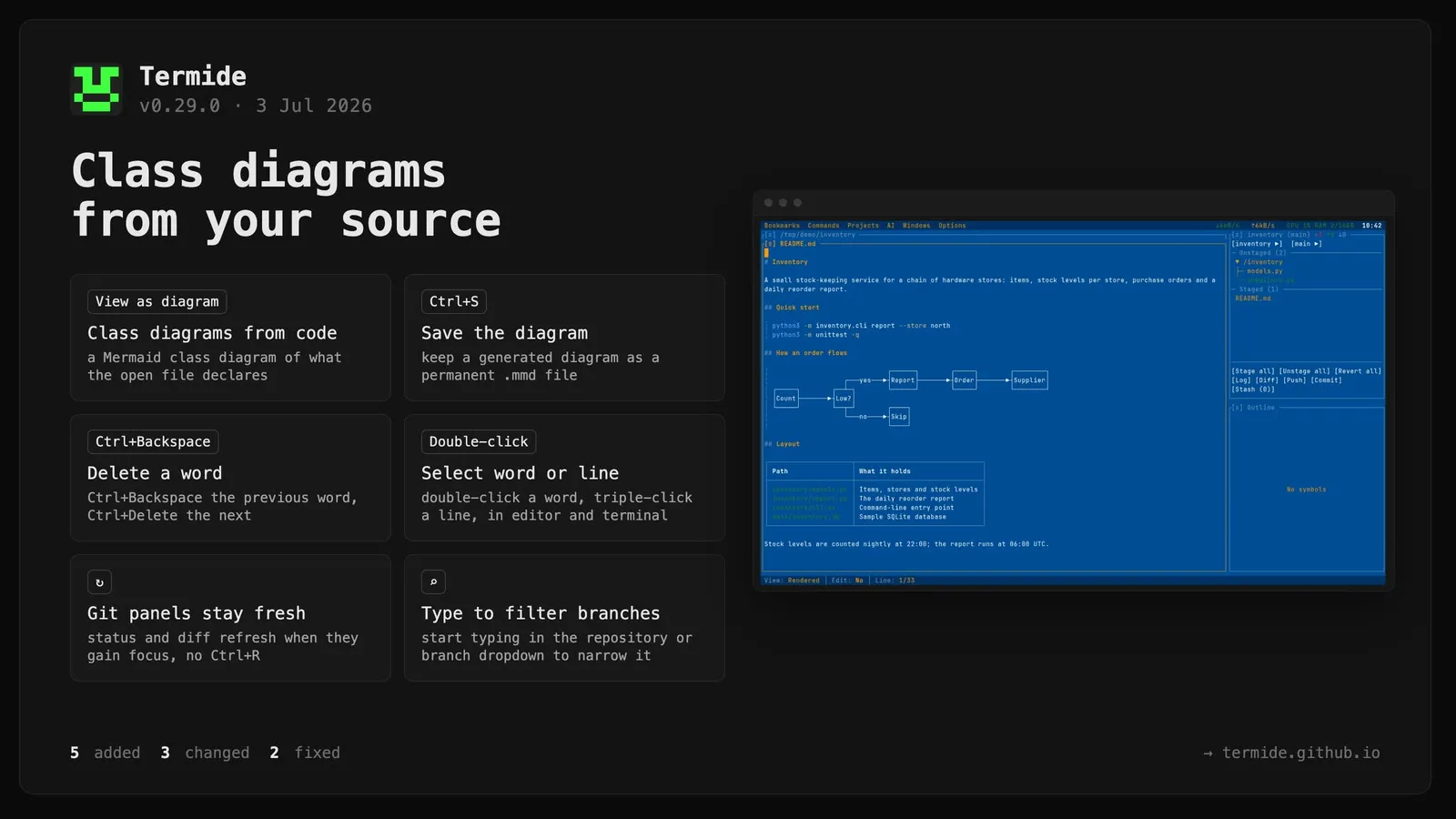
Class diagrams from source code. The editor’s View as diagram menu entry builds a Mermaid class diagram of what the open file declares and opens it in the diagram viewer. Each box is titled with the declaration (pub struct Cli, enum Mode, public interface Draw, …), members carry UML visibility markers (+/-/#/~), and inheritance, trait/interface realization and field composition are drawn as edges. Rust, Python, TypeScript/TSX/JSX, Go, Java, C, C++, Ruby and PHP have rich extractors (types, signatures, relationships); other tree-sitter languages fall back to type boxes with method names plus a box of top-level functions named after the file.
Save a generated diagram to a permanent .mmd file with Ctrl+S or the Save diagram as… entry in the diagram viewer menu.
Type-to-filter in the git panel’s repository and branch dropdowns — start typing to narrow the list.
Word delete in the editor:Ctrl+Backspace (or Alt+Backspace) deletes the previous word, Ctrl+Delete the next.
Word/line selection by mouse: double-click selects the word under the cursor and triple-click selects the whole line, in both the editor and the terminal.
Changed
Git status and git diff panels now refresh automatically when they gain focus, so changes made outside the panel show up without a manual Ctrl+R.
Clipboard copy now detects an available display server (X11/Wayland) instead of guessing from SSH, so the OSC 52 fallback is used correctly in headless, Docker and serial-console sessions.
The help panel is now fully localized across all 15 languages; previously many descriptions rendered in English even in translated locales.
Fixed
Pressing Enter in the git repository/branch filter with no matching entry no longer switches to the first repository/branch.
Panel-specific actions (such as View as diagram) now appear in the panel [≡] dropdown menu.