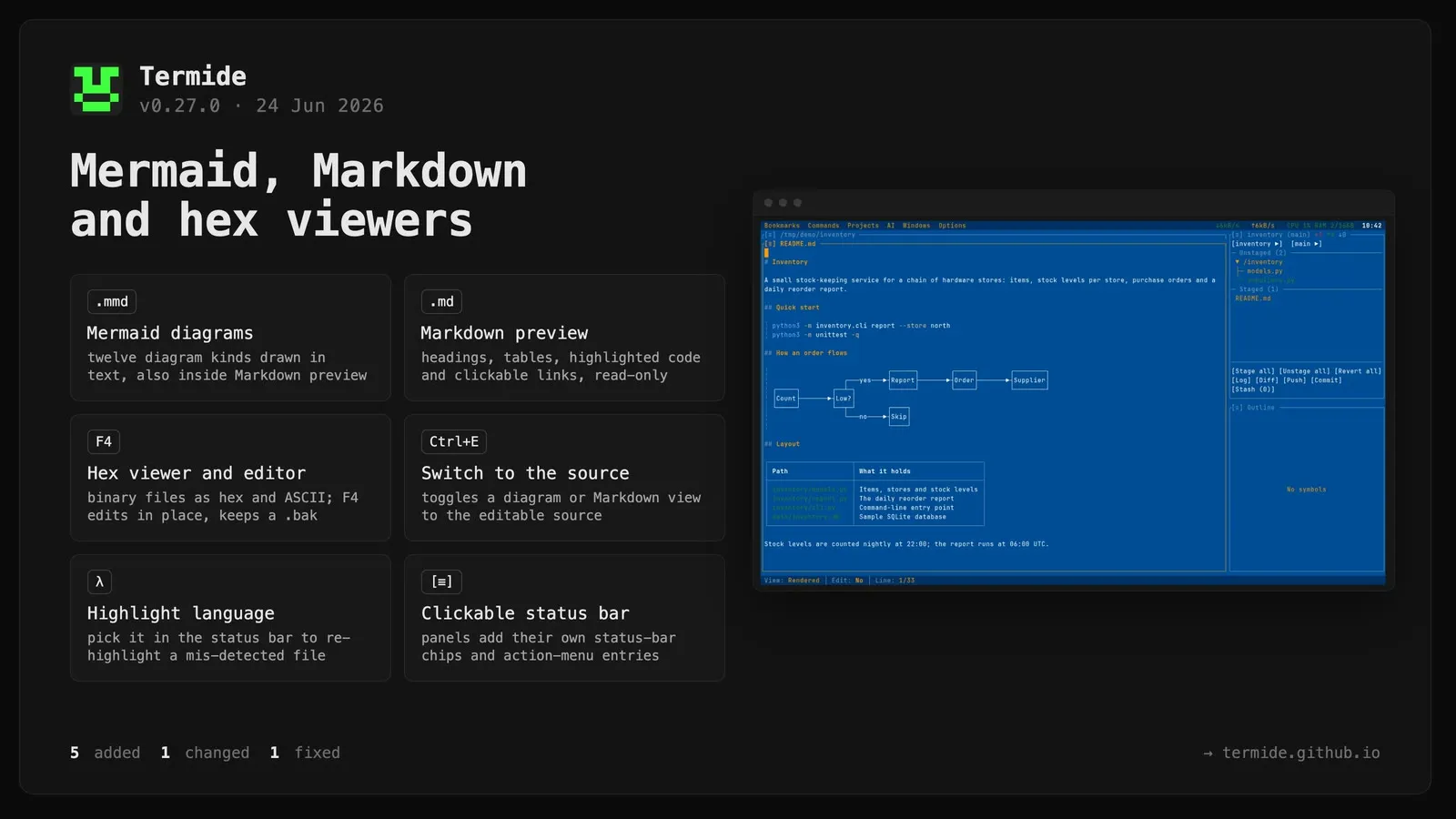
Mermaid diagram viewer..mmd / .mermaid files open as a read-only diagram drawn in text pseudographics — flowchart, sequence, state, class, ER, gantt, pie, journey, mindmap, timeline, gitGraph, and quadrant — with two-dimensional scrolling, copy to clipboard (y / Ctrl+C or the [≡] menu), and Ctrl+E to switch to the editable source. Fenced ```mermaid blocks render as diagrams inside the Markdown preview too. (#34)
Markdown preview panel..md / .markdown files open as a rendered read-only view — headings, lists, tables, block quotes, syntax-highlighted code blocks, clickable links, and image pictograms — with a movable cursor, text selection, clipboard copy, and Ctrl+E to toggle to the editable source. (#32)
Hex / binary viewer and editor. Binary files open in an adaptive hex/ASCII view with a dual-zone byte cursor, drag / Shift selection and clipboard copy, ASCII and hex-byte search, and a hex↔text toggle (Ctrl+L); F4 opens the same file for overwrite-in-place editing, writing a .bak backup on save and confirming on close with unsaved changes. (#31, #33)
Syntax-highlight language picker in the editor. Pick the highlight language from the editor status bar to re-highlight a mis-detected file, without renaming it.
Clickable per-panel status-bar segments. Panels contribute their own status-bar chips and [≡] action-menu entries; the editor and the new viewers use them for the view/edit toggle, copy, and type indicators. (#36)
Changed
The editor status bar was rebuilt from clickable segments, giving it parity with the hex viewer and mode-aware view/edit swaps.
Fixed
Selection dropdowns and menus now scroll with the mouse wheel and show a scrollbar where the list overflows — the Git branch / repository pickers, the editor’s syntax-highlight picker, and the menu-bar and [≡] dropdowns. Previously the wheel scrolled the panel underneath and long lists had no scrollbar.