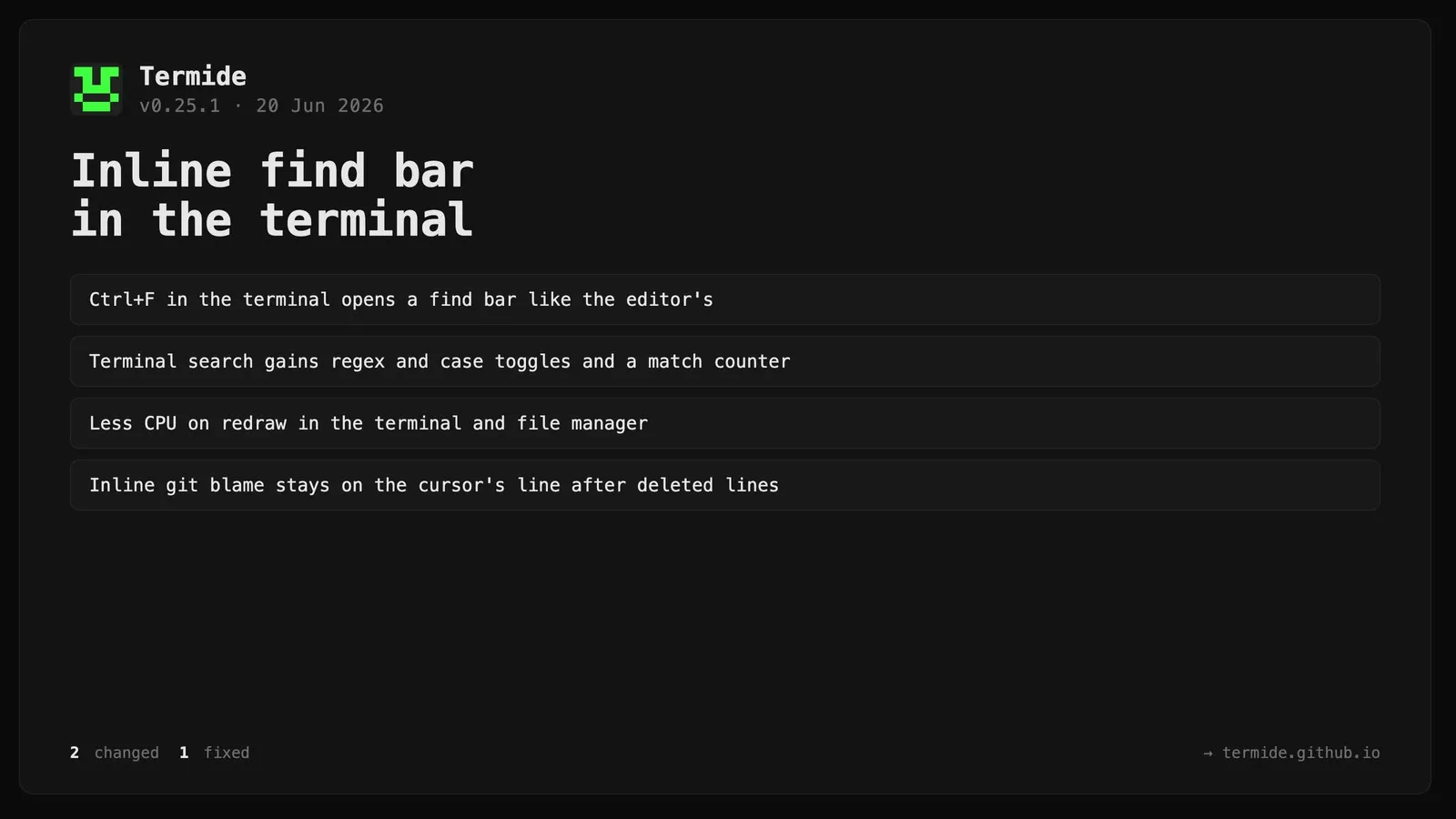
Terminal search is now an inline find bar.Ctrl+F in the terminal opens a find bar docked at the top of the panel — matching the editor and file manager — with [Aa] case and [.*] regex toggles, ◄ Prev / Next ► navigation, and an inline match counter. Terminal search is now regex-capable (previously literal only), and Tab moves focus between the bar and the terminal grid.
Reduced per-frame allocations on the terminal, file-manager, and text-rendering paths, lowering CPU use on redraw.
Fixed
The editor’s inline git-blame annotation now stays on the cursor’s line when lines have been deleted relative to HEAD; previously the deletion markers pushed it above the cursor.