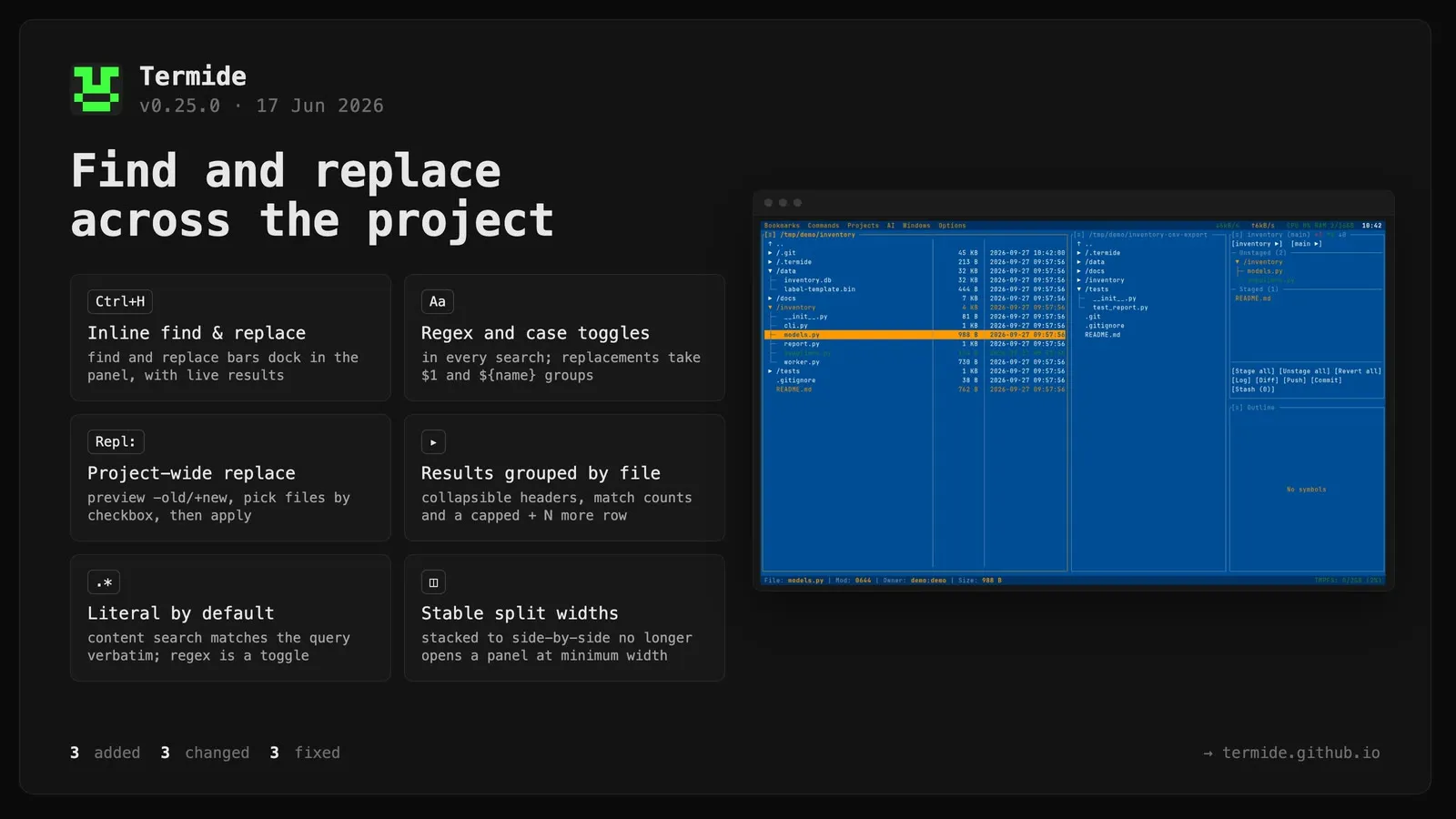
Termide 0.25.0: Find and replace across the project
Added
Inline search and replace bars. Editor find/replace and file-manager name/content search now dock inside their panels instead of opening floating modals, with live results, mouseable controls, Esc close behavior, and Tab/Shift+Tab focus movement between the form and results.
Regex & case toggles in search and replace. The editor’s search (Ctrl+F) and replace (Ctrl+H), file-manager name search, and file-manager content search now have [.*] Regex and [Aa] Case toggles. With regex on, replacement supports $1 / ${name} capture groups.
Project-wide find & replace in the file manager’s content search. Compose a replacement in the new Repl: field, preview the change as -old/+new, choose affected files with per-file checkboxes or Select all, and apply the replacement after confirmation.
Changed
Search results are easier to scan and navigate. File-manager content results are grouped by file with collapsible headers, match counts, a capped + N more overflow row, folder/file navigation, and click targets for collapse and selection.
BREAKING (search behavior): file-manager content search is now literal by default — the query is matched verbatim. Enable [.*] Regex for pattern search. Previously the query was always a regular expression.
Installing from source now uses cargo install --git in the documented installer path, avoiding the obsolete crates.io package.
Fixed
Toggling panels from stacked to side-by-side no longer opens the separated panel at the minimum width; repeated split/merge toggles now preserve stable widths.
Editor replace-current failures are now shown in the status bar instead of being silently discarded.
File-manager name matching now applies the case toggle consistently in both name search and content search masks.