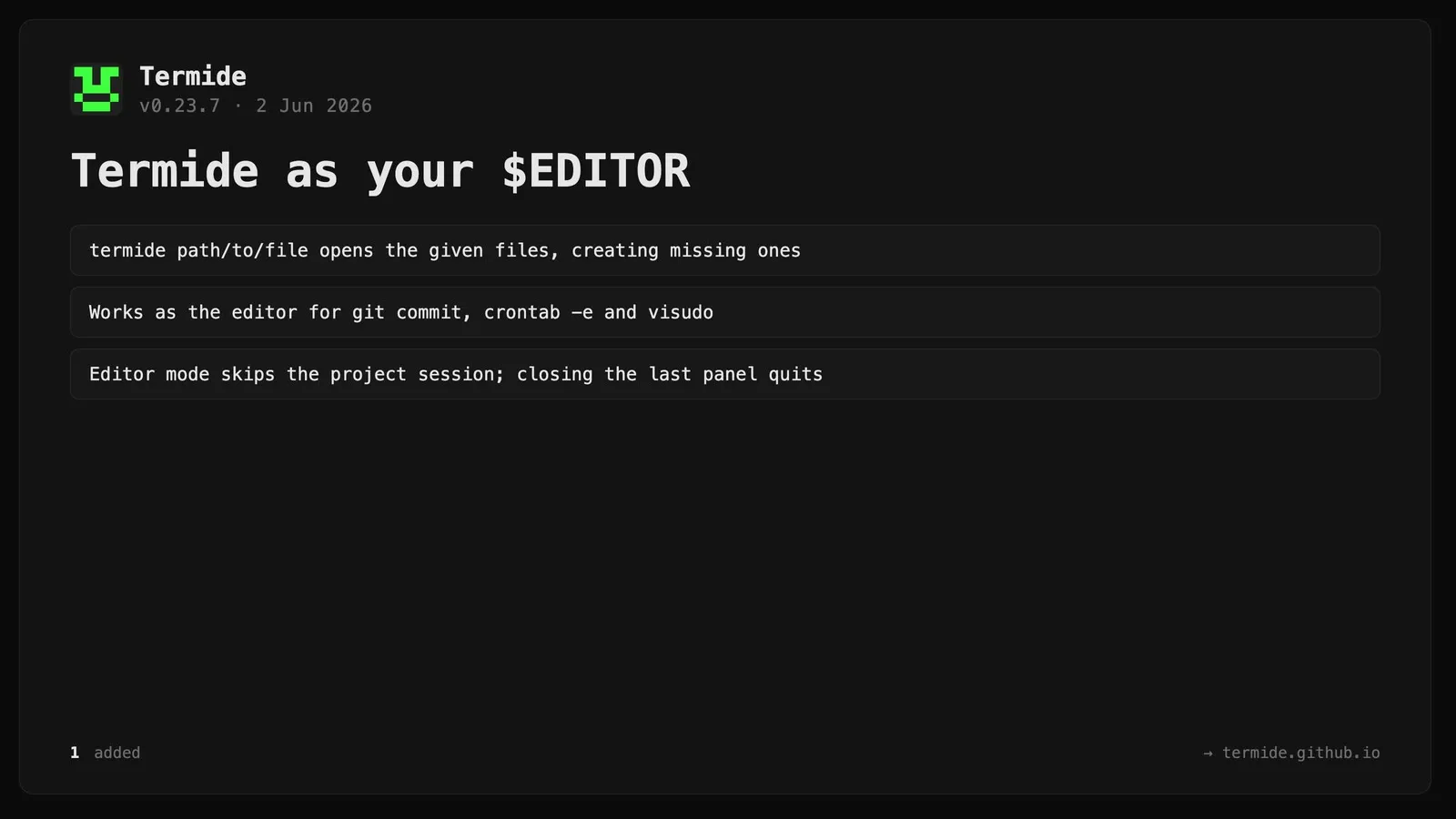
Open files from the command line / use termide as $EDITOR.termide path/to/file ... now opens the given files (creating them if absent), so termide works as the editor for git commit, crontab -e, visudo, and similar tools that previously failed with “unexpected argument”. When launched with file arguments termide starts in a lightweight editor mode: it shows only those files, does not restore or save the project session (so editing a commit message can’t clobber it), and closing the last panel quits — returning control to the launching tool like nano or vim.