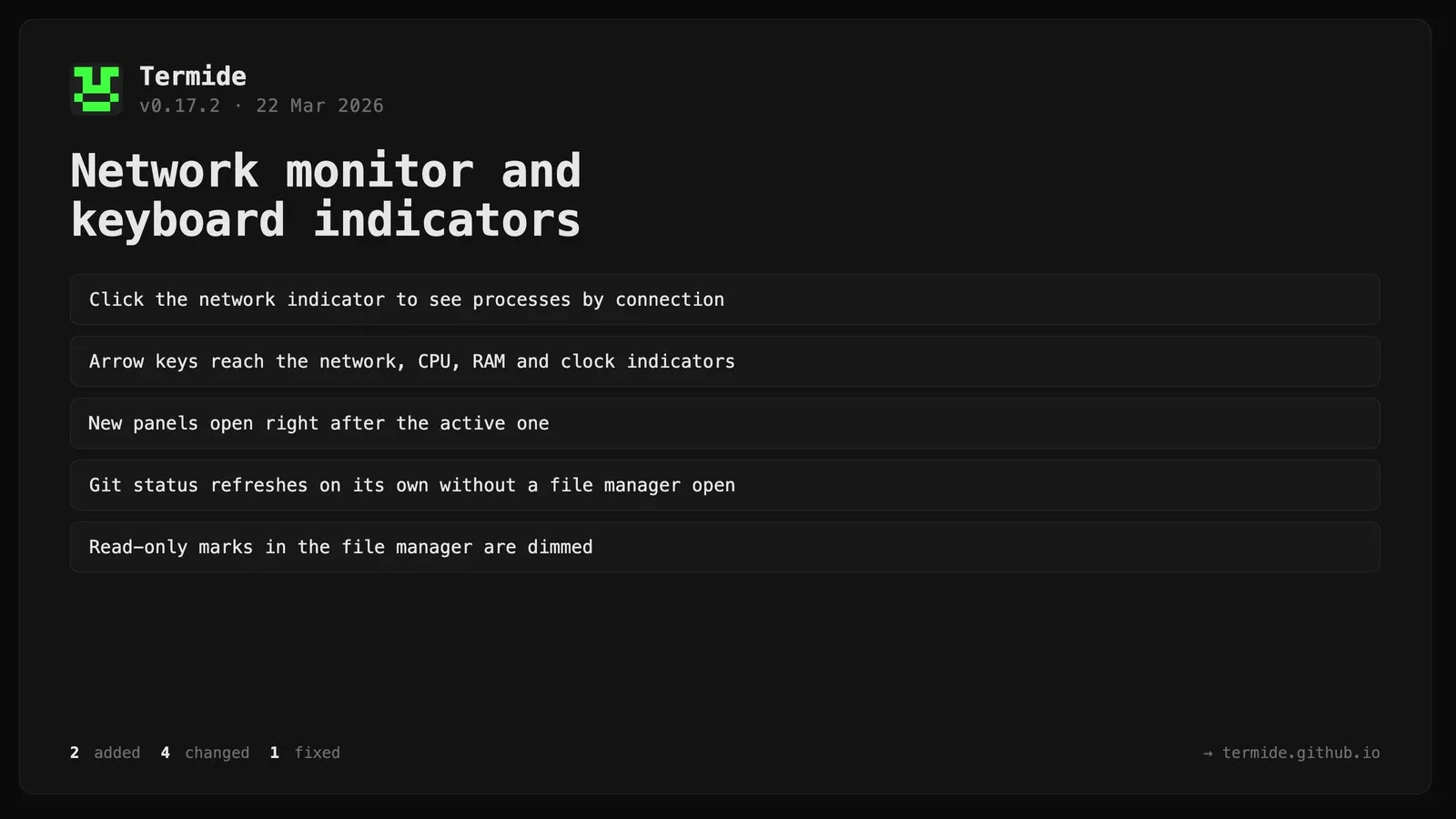
Termide 0.17.2: Network monitor and keyboard indicators
Added
Menu: Keyboard navigation over resource indicators — Right/Left arrows now extend beyond the 5 menu items to the 4 right-side indicators (network ↓/↑, CPU, RAM, clock); Enter opens the corresponding modal and closes the menu; indicators highlight with the standard selected style when focused
System Monitor: Network activity modal — clicking the ↓/↑ network indicator opens a modal showing top processes by connections; displays listening TCP ports and established connection count per process, sorted by connections descending; works cross-platform without elevated privileges (Linux: /proc/net/tcp+/proc/<pid>/fd; macOS: lsof; Windows: netstat+tasklist)
Changed
Layout: New panels inserted immediately after the currently active panel (instead of appending to the end of the group)
Git Status: Panel now auto-registers with the filesystem watcher independently — no longer requires a file manager panel to be open in the same repository for auto-refresh to work
File Manager: Read-only R attribute rendered in disabled color (less visual noise)
Theme: Terminal disabled color changed from [200,200,200] to [120,120,120] to be visually distinct from fg [204,204,204]
Fixed
App: Log UTF-16 decode errors in WSL shell detection instead of silently dropping them